
Staffing Operations · Recruitment Technology
Staffing Agency Timesheet Software: End the Email Chase for Approvals
Staffing agencies lose hours every week chasing consultants and clients for timesheet approvals over email. This guide shows how timesheet capture and approval inside a unified recruiting workspace cuts manual follow-ups, gives recruiters real-time visibility of approved hours, and feeds cleaner data into payroll and invoicing, plus a 10-point vendor checklist for evaluating timesheet workflows.
By Ellevva ·

Every week, recruiters at staffing agencies send the same emails: please submit your timesheet, please approve these hours, please confirm this overtime. Staffing agency timesheet software exists to end that chase, and the biggest gains show up when time capture and approval live inside the same workspace as recruiting, payroll, and invoicing.
When the timesheet sits next to the placement record, teams spend far less time reconciling spreadsheets at month end. This guide explains how a unified timesheet approval workflow works, what it changes for recruiters and back-office teams, and exactly what to ask a vendor before you buy.
Key takeaways
- Email-based timesheet chasing is a process problem, not a people problem. Automation fixes the follow-up loop.
- A timesheet approval workflow inside your staffing agency software gives recruiters real-time visibility of submitted, approved, and rejected hours.
- Approved hours can flow into payroll and invoicing with less re-keying, which reduces the errors that come from copying hours by hand.
- Many client contracts require approval before the agency can invoice. Wage timing is a separate matter: agencies must follow the wage and hour laws that apply to their jurisdiction and employment arrangement, and should not assume client sign-off controls when pay is due.
- Use the 10-point vendor checklist below to test any tool before signing a contract.
Why do staffing agencies still chase timesheets over email?
Staffing agencies still chase timesheets over email because time tracking usually sits outside the system where placements are managed. When the timesheet tool, the applicant tracking system, and invoicing live in three separate places, someone bridges the gaps manually. That someone is usually a recruiter with a spreadsheet and a sent-items folder.
The scale of the industry makes this painful. Every temporary and contract worker generates weekly or biweekly hours that must be captured, approved by a client manager, and billed. Multiply one approval chase by hundreds of active contractors and the follow-up work becomes a job on its own.
U.S. staffing companies hired nearly 12.7 million temporary and contract employees during 2023 (American Staffing Association, 2024).
Share on LinkedIn · Share on X
Email makes the problem worse in three specific ways:
- No status visibility. A recruiter cannot see whether a client manager has opened the timesheet, let alone approved it.
- Version confusion. Corrected hours arrive as reply-all attachments, and the wrong version gets billed.
- A fragmented audit trail. Approval evidence is scattered across inboxes, so reconstructing who approved what, and when, takes real detective work months later.
None of this happens because recruiters are careless. It happens because the toolset forces a manual relay race between consultant, client, and agency.
At a glance
- Main problem: recruiters chase timesheet approvals over email every week.
- Root cause: time tracking sits outside the system that manages placements.
- Fix: automated reminders and routing inside a unified recruiting workspace.
- Payoff: real-time visibility of approved hours and cleaner handoffs to payroll and invoicing.
What is a timesheet approval workflow in staffing agency software?
A timesheet approval workflow is the defined path a timesheet travels from submission to payment. The consultant logs hours, the system routes them to the right client approver, reminders fire automatically, and approved hours lock and move downstream. In staffing agency software, this workflow runs in the same place as the placement record.
The difference from a standalone time-tracking app is context. The workflow already knows the consultant, the assignment, the bill rate, the pay rate, and the client approver, because all of that was set up when the placement was made. Nobody re-enters it.
A typical in-workspace workflow has five steps:
- Capture. The consultant submits hours on web or mobile, against the specific assignment, before a weekly cutoff.
- Validate. The system checks hours against assignment rules, flagging overtime, missing days, or hours above the contracted cap.
- Route. The timesheet goes to the correct client approver automatically, with an in-app notification and a set reminder schedule.
- Approve or reject. The approver signs off quickly, or rejects with a reason that goes straight back to the consultant.
- Lock and flow. Approved hours lock for audit purposes and feed payroll and invoicing queues with minimal re-keying.
Each step replaces something a recruiter used to do by hand. That is where the time savings come from.

How does staffing agency timesheet software remove manual follow-ups?
Staffing agency timesheet software removes manual follow-ups by making the system, not the recruiter, responsible for chasing. Automated reminders go to consultants before the submission deadline and to client approvers after it. Escalation rules handle the stragglers without recruiter involvement.
Consider a concrete example. A 40-person IT staffing firm has 120 contractors on assignment, each with a different client approver. Under email, a recruiter spends Monday and Tuesday sending reminders, tracking replies, and updating a spreadsheet of who has approved what.
With an in-workspace workflow, the pattern changes. Reminders go out automatically on Thursday afternoon and Friday morning. Approvers who have not responded by Monday get an escalation notice, and the recruiter only touches the exceptions, such as a rejected timesheet or a disputed overtime entry.
The result is not that problems disappear. Disputes, corrections, and late submissions still happen. The difference is that routine chasing stops being recruiter work, and the recruiter's attention goes to the small share of timesheets that genuinely need a human.
How do approved hours feed payroll and invoicing?
When timesheets live in the same workspace as placement records, approved hours can feed payroll and invoicing queues directly. The system already holds the pay rate, bill rate, and any overtime rules from the assignment setup, so calculations run on data that was entered once.
This reduces, rather than eliminates, manual reconciliation. Exceptions still need review: mid-week rate changes, expenses, adjustments, and timesheets corrected after approval. A good workflow flags those for a human instead of pretending they do not exist.
On the invoicing side, many client contracts require the client manager's approval before the agency may bill. Whether approval gates invoicing depends on the terms of your specific contract, so the tool should let you configure that rule per client rather than hard-coding one behavior.
On the payroll side, different rules apply. Wage timing is governed by the labor laws in your jurisdiction and by the worker's employment arrangement, not by when a client clicks approve. In many jurisdictions, employers must pay verified hours within set pay periods regardless of client sign-off, so confirm the rules that apply to your agency with qualified counsel and configure payroll deadlines accordingly.
The practical benefit is accuracy. Fewer manual copies of hours means fewer transposed digits, fewer mismatched invoices, and fewer credit notes at month end.
What real-time visibility should recruiters expect?
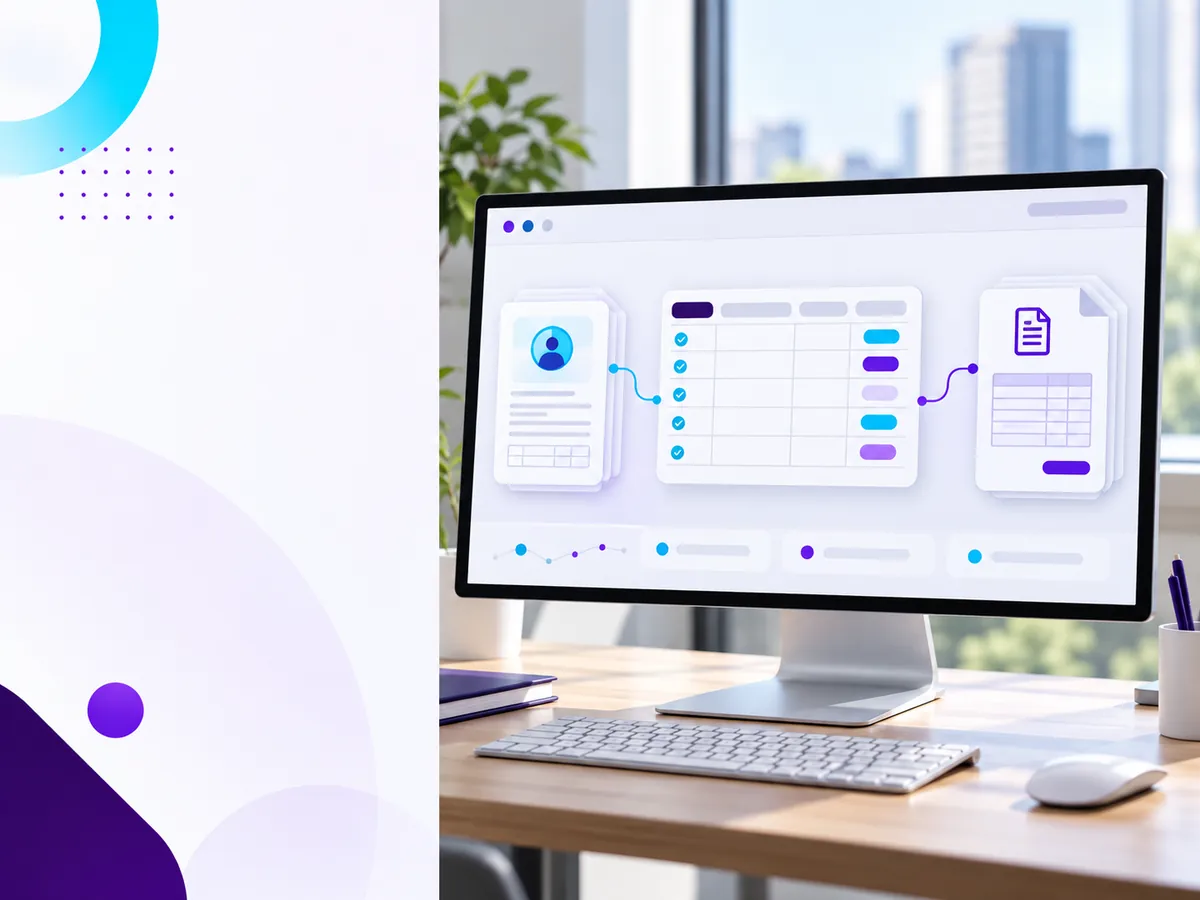
Real-time visibility means a recruiter can open one dashboard and see the state of every active timesheet without sending a single email. At minimum, that view should show:
- Submitted: hours in, waiting on the client approver.
- Approved: signed off and queued for payroll and invoicing.
- Rejected: sent back with a reason, awaiting resubmission.
- Missing: the consultant has not submitted and the cutoff is near.
Aging views matter too. A timesheet pending for four days is a different problem from one pending for four hours, and the dashboard should make that obvious at a glance.
Visibility also changes client conversations. When a client asks why an invoice shows certain hours, the recruiter can pull the approval record, with the approver's name and timestamp, in seconds. That is a much stronger position than searching an inbox.
Where does timesheet capture fit in a staffing agency tech stack?
A typical staffing agency tech stack includes sourcing tools, an applicant tracking system, client relationship management, payroll, and accounting. Timesheets sit at the junction of the last two, which is exactly why standalone time-tracking apps create so much manual bridging work.
Two integration approaches are common. The first is a unified workspace, where the ATS, timesheets, and back-office flows share one database and one login. The second is a connected stack, where a dedicated timesheet tool syncs with payroll and accounting through integrations.
Both can work, but they fail differently. Connected stacks break at the sync points, when a field mapping changes or an integration silently stops. Unified workspaces break less often, but you are betting on one vendor for more of your operation.
Newer platforms also fold in AI features. Ai staffing software can match candidates to requirements, flag unusual timesheet patterns, or predict which approvals are likely to stall. These features are useful, but they only help once the underlying workflow data is clean and in one place.
What this means for you
If you run or work at a staffing agency, here is how to act on this:
- Agency owners: count the hours your team spends on timesheet chasing each week. That number is the baseline your software investment has to beat.
- Recruiters: ask for one dashboard that shows submitted, approved, rejected, and missing timesheets. If your current tool cannot show that, the problem is the tool.
- Back-office leads: map how hours travel from approval to paycheck to invoice today. Every manual copy step is an error waiting to happen.
- Everyone: treat client approval rules and wage payment deadlines as separate configurations, and get advice on the labor laws that apply where you place workers.
What should you ask a vendor about timesheet workflows?
Before you sign with any provider of timesheet software for staffing agencies, run this 10-point checklist in the demo:
- Routing: can timesheets route to different client approvers per assignment, including backup approvers?
- Reminders: are reminder and escalation schedules configurable per client, not just globally?
- Validation: can the system flag overtime, missing days, or hours above a contracted cap before routing?
- Mobile capture: can consultants submit hours from a phone in under a minute?
- Rejection handling: does a rejection carry a reason back to the consultant and track resubmission?
- Audit trail: does every approval record the approver, timestamp, and any edits, and can you export it?
- Payroll handoff: how exactly do approved hours reach your payroll provider, and what still requires manual review?
- Invoicing rules: can you configure whether client approval is required before invoicing, per contract?
- Visibility: is there a live dashboard of submitted, pending, approved, and rejected timesheets?
- Pricing model: is pricing per consultant, per recruiter, or flat, and how does it scale as contractor headcount grows?
A vendor who answers these clearly, with a live demo rather than a slide, is worth a serious look.
Bring timesheets into the same workspace as your hiring
Ellevva brings ATS workflows, HRMS operations, and real-time analytics into one unified workspace, so recruiting and operations teams work from the same live data instead of bridging tools by hand. If your agency is tired of chasing approvals over email, explore Ellevva's solutions for staffing and enterprise teams to see how a unified workflow operates. You can also review the recruitment operations metrics worth tracking to measure the impact once your timesheet workflow is in place.
FAQs
What is a timesheet approval workflow?
A timesheet approval workflow is the path a timesheet takes from submission to payment. The consultant logs hours, the system validates and routes them to the client approver, reminders fire automatically, and approved hours lock and feed payroll and invoicing.
Do staffing agencies have to wait for client approval before paying workers?
Not automatically. Wage timing is set by the labor laws in your jurisdiction and the worker's employment arrangement, and many jurisdictions require payment of verified hours within set pay periods. Agencies should get advice on the rules that apply to them rather than assuming client sign-off controls pay dates.
Can client approval be required before invoicing?
Yes, many staffing contracts require the client manager to approve hours before the agency bills. It is a contract term, not a universal rule, so your software should let you configure the requirement per client.
What is the difference between standalone time tracking and timesheets inside staffing agency software?
Standalone tools track hours but know nothing about placements, rates, or client approvers, so staff bridge the gaps manually. Timesheets inside staffing agency software inherit the assignment, pay rate, bill rate, and approver from the placement record, which cuts re-entry and errors.
How much does timesheet software for staffing agencies cost?
Pricing models vary widely: per consultant, per internal user, or flat monthly tiers. Use the vendor checklist above to compare models, and weigh the cost against the recruiter hours your team currently spends on manual follow-ups.
Related resources
Tags: staffing agency timesheet software, timesheet approval workflow, staffing agency software, staffing agency tech stack, ai staffing software, timesheet software for staffing agencies